 Wishlist
Quick answer: Clear zones, a streamlined desk, and predictable routines improve focus now
To organize a home office for better focus and productivity, create distinct work zones (active work, reference, and storage), reduce visual and digital clutter on your primary surface, set up simple, reachable systems for papers and supplies, and adopt two predictable routines: a start-of-day reset and a shutdown ritual. These changes reduce decision fatigue and interruptions so you can sustain focused work blocks.
Decide the result you need and measure it
Before moving anything, name the outcome: fewer context switches? Faster file retrieval? Longer uninterrupted focus? Pick one measurable target (for example, “two 50-minute focus sessions daily with zero device distractions”)—it will guide layout and rule choices. Different outcomes require different trade-offs: a video-call-heavy schedule needs good lighting and a neutral background; deep writing needs minimal visual stimulation and quick access to reference books.
Create three functional zones tailored to how you work
Organize the room by activity, not just furniture. Divide your space into:
- Primary work zone: the desk and chair where most focused work happens. Keep only the current project, your computer, a notebook, and a pen here.
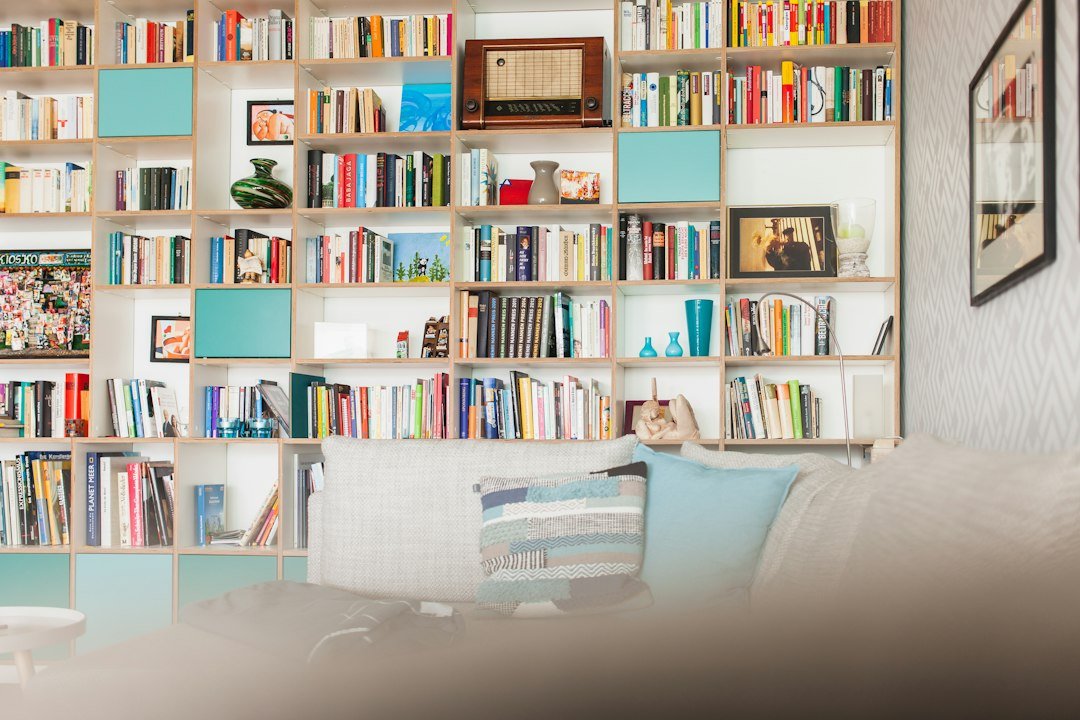
- Reference zone: shelving or a vertical file organizer for active files, binders, and books you consult often.
- Supply & storage zone: closed drawers or bins for spare supplies, archived paperwork, and extras you rarely need.
Place the reference zone within arm’s reach if you use paper frequently; otherwise position it nearby but out of sight to reduce visual clutter.
Declutter the desk—what to keep, what to hide
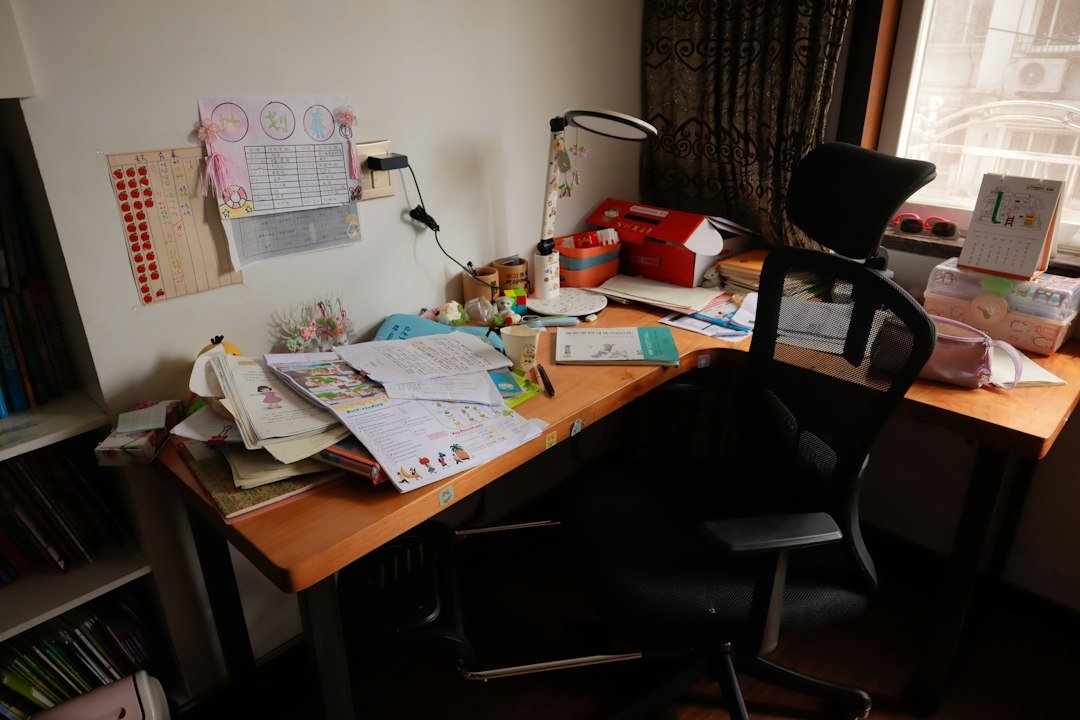
Empty your desktop. Reintroduce only items that serve the next 1–2 hours of work. A good rule: if something isn’t used at least weekly, it belongs in closed storage. Limit decorative items to one small object that calms you (photo, plant).
Adopt one visible landing zone for small essentials: phone, glasses, water bottle. Everything else should have a home off the surface.
Build simple, sustainable paper and inbox systems
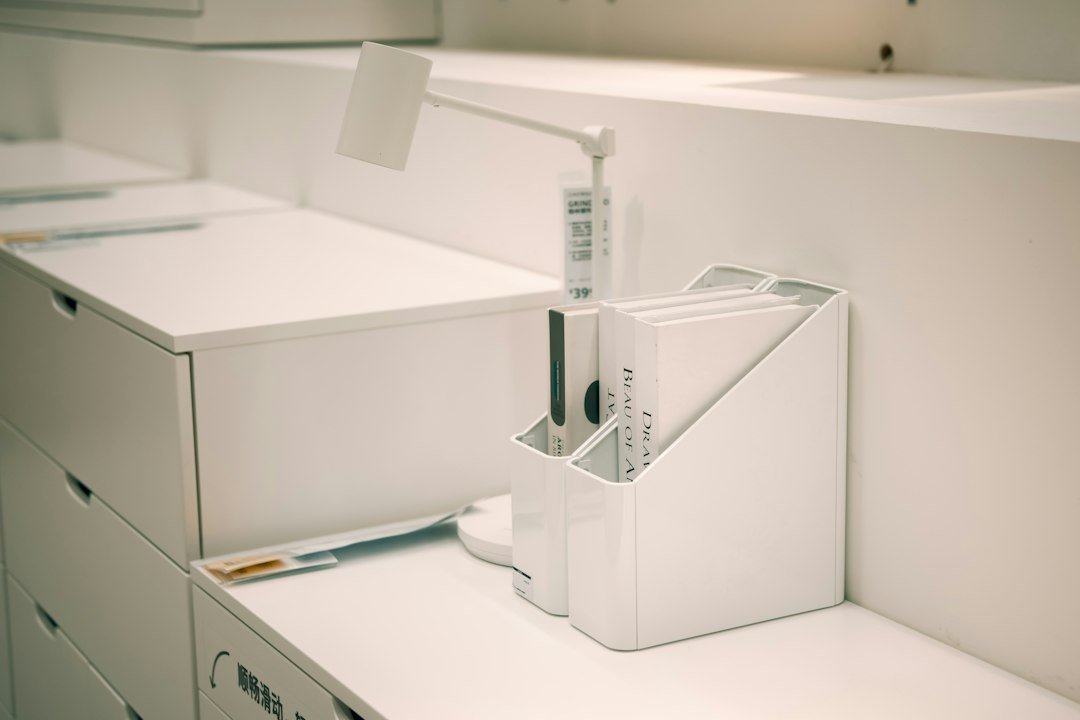
Most office chaos stems from unmanaged paper. Use a small, five-compartment vertical organizer (or a 7-tier model for heavy paper users) with these slots: Immediate action, Waiting/Follow-up, Reference (current projects), Archive, and To-scan. Process the Immediate slot every day and scan or archive the rest weekly.
If you prefer boxes, choose clear labeled boxes for archived files and keep them on a high shelf; keep only the last 12 months of active files within easy reach.
Digital organization that supports focus
Close browser tabs and use a single task manager or calendar for commitments. Use folder rules in your email to triage non-urgent messages into a “Read Later” folder and reserve inbox for action items. Schedule two short email-check windows instead of constant monitoring.
Design your lighting and ergonomics for sustained focus
Good lighting reduces eye strain and keeps you alert. Combine a bright overhead light with a directional task lamp aimed at your work surface. Place your monitor so natural light is to the side, not behind it, to avoid glare.
Match chair and screen height to avoid neck and back fatigue: eyes should hit the top third of the monitor, feet flat on the floor, and forearms parallel to the desk. Even small comfort improvements dramatically increase focus windows.
Control cables and small distractions
Use cable clips and a single power strip to keep chargers tidy and out of reach. Hide non-essential devices in a drawer or a box during focus blocks. Use a small signal—like a desk flag or a status light—to communicate to household members when you’re in a focus session.
Adopt start-of-day and shutdown routines
At the start of your day: clear the desk for 60 seconds, review two top priorities, set a timer for your first focus block. At shutdown: clear desktop, process the Immediate folder, and write three tasks for tomorrow. These rituals make the organized state repeatable.
Product note: a vertical desk file organizer (like the SUPEASY Desk Organizers) is a high-impact purchase for paper-heavy workflows—use it to implement the five-compartment system above and keep the desktop clear.
Customize for constraints: small spaces, shared rooms, and remote meetings
Small spaces: prioritize closed storage and vertical organizers; use a wall-mounted fold-down desk if needed. Shared rooms: create a portable “work kit” (tablet, notebook, earbuds) stored in a tote so you can move when necessary. Frequent video calls: designate a neutral wall as a backdrop, keep your desk clutter-free, and use a small shelf behind you with one or two non-distracting items.
Troubleshooting: when the system fails
- Papers pile up again: tighten processing cadence—empty the Immediate slot daily and schedule 20 minutes each Friday for scanning/filing.
- You feel distracted despite tidiness: check digital habits—reduce open tabs, enable focus mode, and limit notifications.
- Shared household interruptions: renegotiate “quiet hours” or use a visual signal that indicates an active focus session.
Small investments that pay off
Prioritize these purchases in order: a supportive ergonomic chair, a vertical file organizer, a task lamp, and a drawer or bin system for supplies. Each addresses a common friction point: comfort, paper control, lighting, and hidden clutter.

- Define one measurable productivity goal for your office layout.
- Create primary work, reference, and storage zones.
- Clear the desk to items used in the next 1–2 hours.
- Set up a 5-slot paper organizer and process it daily.
- Adjust monitor and chair for ergonomic alignment.
- Establish start-of-day and shutdown routines.
Organizing a home office for focus is less about having perfect storage and more about consistent systems: clear zones, a minimal desktop, reachable reference storage, and brief daily rituals. Implement one change per week and evaluate its effect on your focus target.
How often should I tidy my desk?
Do a quick 60-second reset each morning and a 10–20 minute weekly tidy where you process the paper organizer and archive or scan older documents.
Can a small desk still be productive?
Yes—use vertical storage, under-desk drawers, and a portable work kit so the surface stays clear while essentials remain accessible.
How do I stop digital distractions during focus blocks?
Use a website blocker or device Do Not Disturb, close unnecessary tabs, and schedule limited times for email and messages.
What if I share office time with a partner or child?
Set clear shared expectations, signpost focus blocks visually, and keep a mobile workspace option for flexibility.